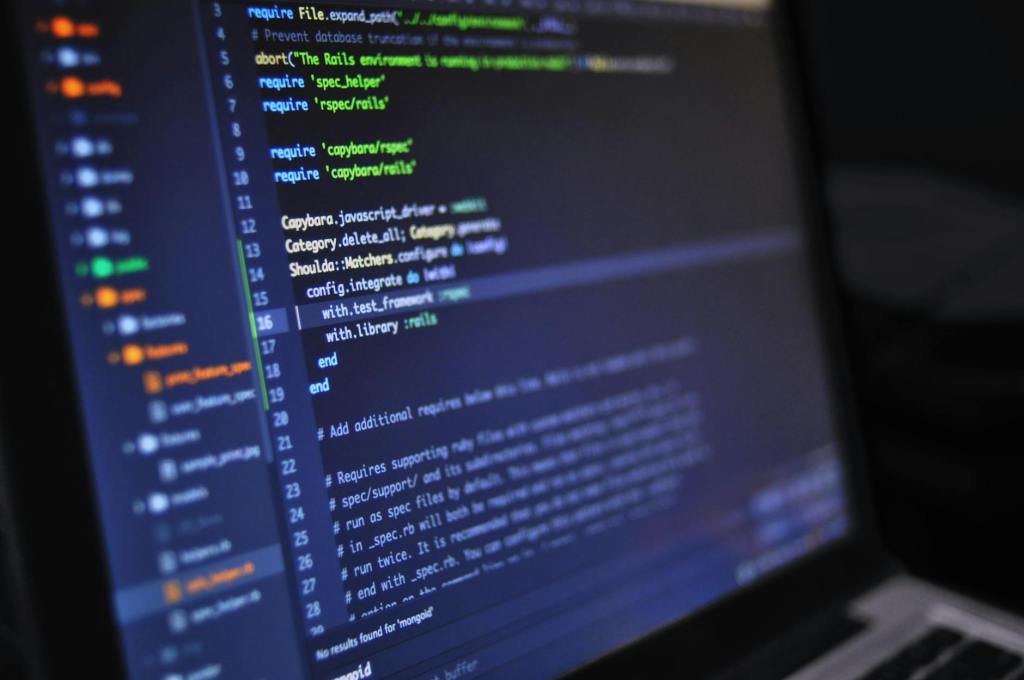

For some, including comments within your code can be an all-to-easy step to forget, especially when in the midst of programming. However, it is a rather important step that you should always take the time to do, regardless if you are simply coding as a hobby or if software programming is your career. While there are a few who likely disagree and believe that commenting is a waste of time, there are a variety of benefits to commenting your code that make it worthwhile.
Benefits of Commenting Your Code
The most notable benefit to commenting your code is that it enables your code to be more readable. Comments give you the opportunity to explain what various sections of code do, especially if your program is long and complex or contains a lot of functions, objects, or procedures. That way, if you take a long break from your program, you can come back to it later and easily pick up where you left off. Similarly, if you are working in a team environment, having these comments included makes it easier for other team members to figure out what a program is meant to be doing without having to look through all of the lines of code. Increasing the readability of your code is never a bad idea.
Commenting your code is also a great way to indicate which pieces of your program still need completed. You can leave comments to keep track of functions that may need defined (often referred to as stubs) or just to make a note of where you left off if you are debugging or testing a piece of code over the span of a few days. You can also use comments as a means of a to-do list in your program, keeping track of what pieces still need completed.
Another great benefit of commenting your code is to enable you to explain the expected input and output of a given function or program. That way, when it is time to debug the program, this information is readily available and you do not need to worry about reminders as to what data types or values should be returned or processed with given pieces of code. This is especially useful when someone else is handling the debugging for your program.
Commenting Your Code in Various Languages
There are a myriad of programming languages out there, and thus it would be difficult to compile a full list of every commenting syntax. Fortunately, many of the most popular programming languages use a similar syntax. W3Schools, a website dedicated to teaching various programming languages and their concepts, highlights HTML, CSS, and JavaScript as great languages to begin with if you want to be a front-end developer, and PHP, Python, and SQL for those who want to get into back-end programming (W3Schools). In addition to those languages, examples for C, C++, C#, Java, Lisp, and Swift will be included.
In C, CSS, C#, C++, Java, JavaScript, PHP, Swift, and SQL, comments look like the following:
/* This is what a C, CSS, C#, C++, Java, JavaScript, PHP, Swift, or SQL comment looks like,
which can be single line or multi-line */
Swift also allows for nested multi-line comments (Swift Project Authors):
/* You can nest comments in Swift
	/* This is nested*/
just as you can nest functions inside of other functions */
C, C#, C++, Java, JavaScript, PHP, and Swift also have single-line comments that look like the following:
// This is what a single-line C, C#, C++, Java, JavaScript, PHP, or Swift comment looks likeSQL also has single-line comments that look like the following:
-- This is what a single-line SQL comment looks likeIn HTML, comments look like the following:
<!-- This is what an HTML comment looks like-->In Python (and also as a single-line option in PHP), comments look like the following:
# This is what a Python comment looks likeFinally, in Lisp, comments look like the following:
; This is what a Lisp comment looks likeCheck out the Resources & Further Reading section for more information on how to write comments in your desired programming language.
Resources & Further Reading
Lisp Reference Manual Authors. “Comments (GNU Emacs Lisp Reference Manual).” Gnu.org, GNU, 2024, www.gnu.org/software/emacs/manual/html_node/elisp/Comments.html.
Sanchez, Santiago. “Language Overview: HTML.” The H.A.C.K.E.R. Project, The H.A.C.K.E.R. Project, 12 May 2024, thehackerproject.org/2024/05/12/language-overview-html/.
—. “Language Overview: Java.” The H.A.C.K.E.R. Project, The H.A.C.K.E.R. Project, 28 Sept. 2023, thehackerproject.org/2023/09/28/language-overview-java/.
—. “Language Overview: Python.” The H.A.C.K.E.R. Project, The H.A.C.K.E.R. Project, 3 Nov. 2024, thehackerproject.org/2024/11/03/language-overview-python/.
Swift Project Authors. “Documentation.” Docs.swift.org, Apple, Inc., docs.swift.org/swift-book/documentation/the-swift-programming-language/thebasics/.
W3Schools. “C Comments.” Www.w3schools.com, Refsnes Data, www.w3schools.com/c/c_comments.php.
—. “CSS Comments.” Www.w3schools.com, Refsnes Data, www.w3schools.com/css/css_comments.asp.
—. “C# Comments.” Www.w3schools.com, Refsnes Data, www.w3schools.com/cs/cs_comments.php.
—. “C++ Comments.” Www.w3schools.com, Refsnes Data, www.w3schools.com/cpp/cpp_comments.asp.
—. “HTML Comments.” Www.w3schools.com, Refsnes Data, www.w3schools.com/html/html_comments.asp.
—. “Java Comments.” Www.w3schools.com, Refsnes Data, www.w3schools.com/java/java_comments.asp.
—. “JavaScript Comments.” W3schools.com, Refsnes Data, 2019, www.w3schools.com/js/js_comments.asp.
—. “PHP Comments.” Www.w3schools.com, Refsnes Data, www.w3schools.com/php/php_comments.asp.
—. “SQL Comments.” Www.w3schools.com, Refsnes Data, www.w3schools.com/sql/sql_comments.asp.
—. “Where to Start.” Www.w3schools.com, Refsnes Data, www.w3schools.com/where_to_start.asp.



 The H.A.C.K.E.R. Project
Leave a comment