
The H.A.C.K.E.R. Project
Helping Access Cyber Knowledge Everywhere, Realistically.
Student Resources
This page contains all of the “Student Resources” articles found on this site. These include anything technological and useful for college students, such as how to Enable Focus Mode on Microsoft Word or Ways to Care for Your Mental Health.
-

AI Hallucinations: Why You Should Not Fully Trust AI
AI may seem like a great tool or helper that always seems to have just the right answer. However, just like with real people, AI is not right every time.
-

Websites Not Loading? Try Clearing Your Cache
If you happen to be browsing the web and notice that a webpage is not loading properly or you are having difficulty logging in to a website, you might be experiencing an issue with browser cache data. Browser cache data is information about the websites you visit that your web browser stores in order to make things load more smoothly or work better. However, this can sometimes have the opposite…
-

Install Antivirus Software
One classic piece of cybersecurity advice aside from creating a strong password is to install antivirus software onto your device, and this is for good reason. Antivirus software can help keep your device safe, protect it from malware and other potentially harmful programs, and possibly offer other security benefits. Thus, if you have not already done so, it is a good idea to install antivirus software onto your device. What…
-

Cover Your Webcam
Nearly all laptop computers have a built-in webcam, and many purchase external webcams for their PCs. To maximize your personal cybersecurity, make sure to cover or unplug your webcam.
-
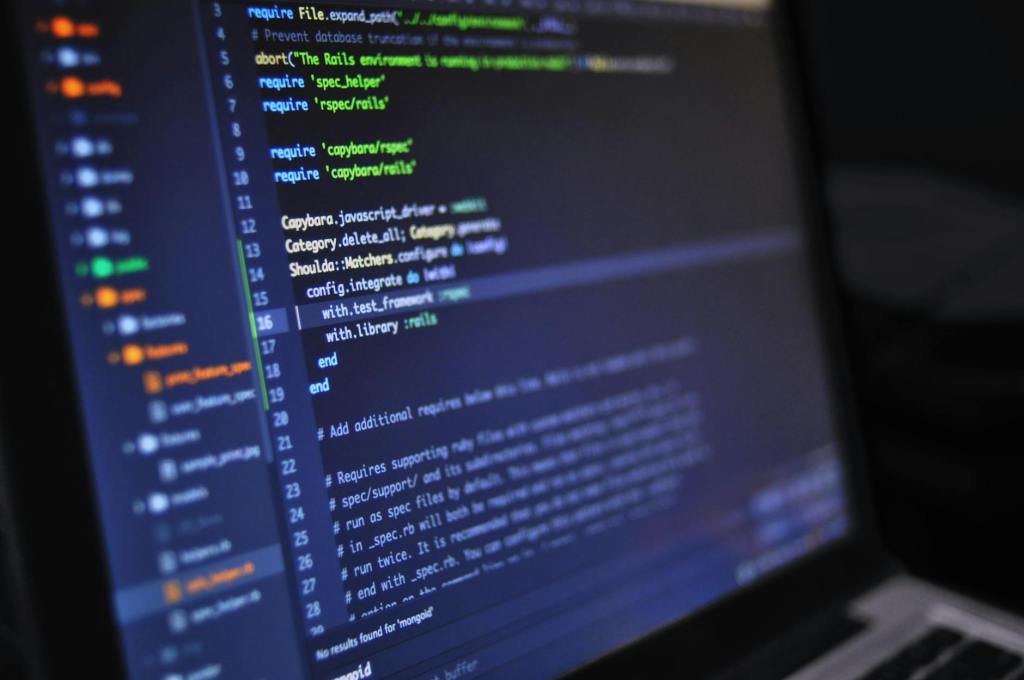
Comment Your Code
Including comments within your code is a rather important step that you should always take the time to do, regardless if you are simply coding as a hobby or if software programming is your career.
-

Try “Rubber Duck Debugging”
Programming can be a fun and rewarding experience… until the program does not run. Fortunately, there is an often-mentioned method of debugging that can help you to catch errors that otherwise could have remained invisible: rubber duck debugging.
-

Lock Your Computer Before Leaving Your Desk
In those few moments that you leave your computer or laptop unattended, someone could install something malicious on your device, navigate to harmful or inappropriate websites, or even simply pull a silly prank. Fortunately, one of the best ways to maintain the security of your device is also extremely simple: lock your computer/laptop before leaving it.
-
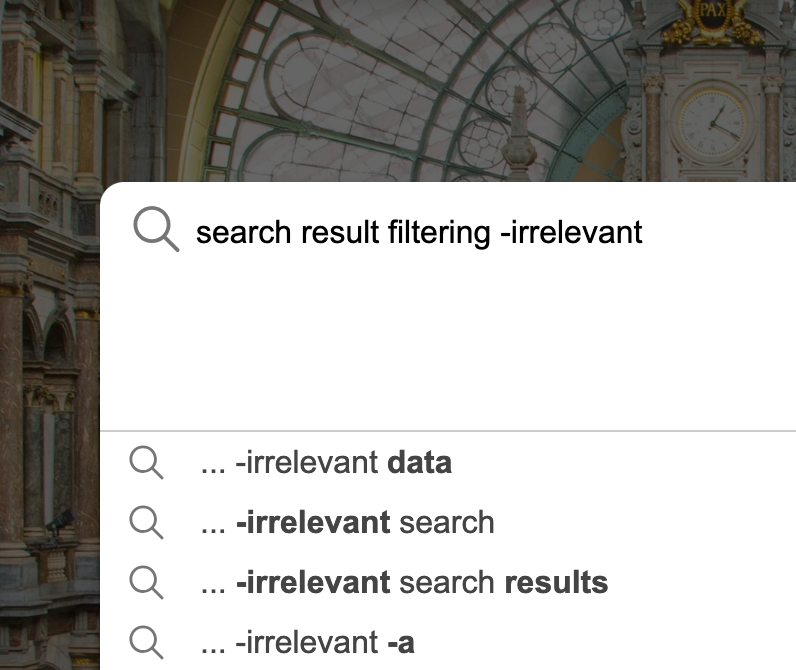
How to Filter Out Irrelevant Search Results
Sometimes, when we search for something on the Internet, we get results that aren’t exactly what we want. Luckily, there is a quick way to help filter out these irrelevant results on many popular search engines.
-

Memory Saver, Energy Saver, and Preloading Features in Google Chrome
There are many useful features built into Google’s Chrome web browser that allow you to customize it to your liking. Three such features- Memory Saver, Energy Saver, and Preloading- can help you save on computer resources, battery life, or time. Where to Find These Settings The first step to be able to change these settings is to open Google Chrome. Once Google Chrome has loaded, click on the three vertical…
-

Be Cautious with QR Codes
QR codes are often used to easily direct users to websites, files, or even applications. They are incredibly easy to generate and just as easy to use, but scanning random or unknown QR codes can potentially lead users to danger.
-

How to Enable Focus Mode on Microsoft Word
This guide is compatible with and was written using version 16.78.3 of Microsoft Word. It can be difficult to focus on certain tasks. This is especially the case when these tasks are being done on a computer (such as typing an essay, report, story, etc.), since there is a myriad of distractions a mere click away that try to grab at our attention. One common method to help eliminate distractions…


 The H.A.C.K.E.R. Project